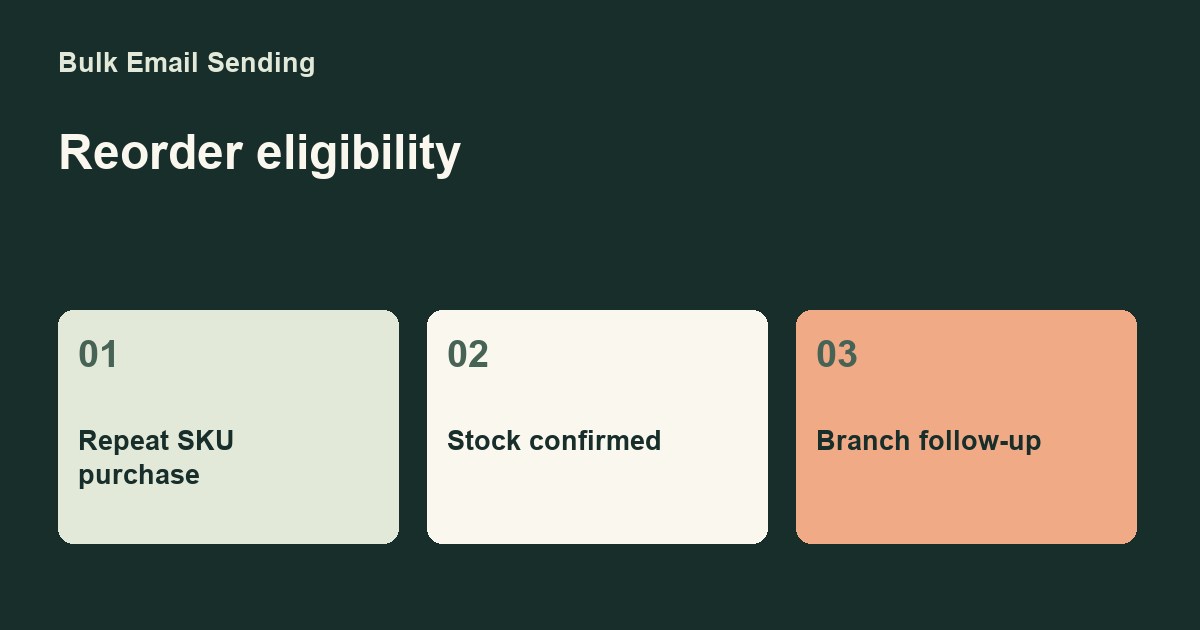
Find accounts with a buying rhythm
Start with trade accounts that have ordered the same consumable more than once. Compare actual intervals between orders. A buyer replenishing every four weeks needs a different reminder from one placing quarterly orders. Separate seasonal and one-off purchases before scheduling.
Make the message branch-specific
We write a short reorder email with the item reference, pack size and the customer’s usual branch. Your team confirms stock and current contract terms. Where prices vary by account, use a quote request rather than a public price. Give branch managers a way to exclude accounts already in conversation.
Measure fulfilled repeat orders
Connect campaign responses to the ordering system by account ID. Report fulfilled order value after credits and cancellations. Track stockouts beside response rates so a strong campaign with an unavailable product does not look like a weak audience.
Planning your program
Choose a branch and a product family
Start with one branch that can confirm inventory before each send. Choose a regularly consumed SKU, such as a case of filters, and agree which pack sizes are interchangeable. Ask the branch rep to flag contract pricing, temporary closures and standing orders. A buyer already on an automatic replenishment plan should sit out this campaign.
Work through a sample account
Suppose a customer usually orders every 30 days and delivery takes four working days. Check the last invoice and the latest open order before sending the reminder. Offer a reply for a quantity change. If the buyer asks for three cases, the assigned rep takes over. Close the loop in the CRM when the branch fulfills the order.
Reconcile returns and branch transfers
A reorder may be picked up at a different branch from the one that sent the email. Match by customer account and invoice, then subtract credits and cancellations. Review fulfilled revenue and the number of accounts ordering again before rolling the sequence out to adjacent territories.
Which accounts make a fair pilot?
Choose one branch and a product family with a recognizable reorder pattern. Separate active trade accounts from walk-in buyers and check whether the billing account represents several delivery locations. A single invoice address can hide warehouses with very different demand. Identify which location usually buys the item and who can authorize the reorder. If the contact list cannot distinguish branches, start with a simple availability check and let the buyer nominate the relevant branch before scheduling reminders.
When does a rep need to step in?
A message may prompt a question about substitute pack sizes, contract pricing or a delivery split. Route that reply to someone who can see the customer’s terms. Avoid sending an automated quote until the branch has confirmed those details. If the buyer declines because inventory is still high, note the revised review month and pause the sequence. This feedback belongs alongside order history so the next reminder reflects what the buyer said as well as what the system predicted.
Example branch review
Imagine that two locations share a parent account. One location buys filters by the case, while the other orders them as part of a standing supply agreement. Run a small test against the first location and suppress the second. When the branch fulfills the order, match it to the originating site before crediting the campaign. Review any returns or transfers at the end of the reporting window. This keeps a centrally billed transaction from appearing as two successful reorders.
What does the branch receive after the send?
Supply the approved message, the list of eligible account categories, reply routing instructions and the dates used in the report. A branch lead should be able to explain why an account received the reminder and what to do if the buyer asks for a different quantity.
 Bulk Email Sending