A pre-send checklist
Before you schedule a bulk email, confirm the audience, the offer, and the destination.
 Bulk Email SendingPlan a send ↗
Practical guides for planning campaigns and diagnosing delivery problems.
Before you schedule a bulk email, confirm the audience, the offer, and the destination.
Review your domain configuration before a high-volume campaign.
Start with the mailbox provider and the campaign where the problem first appeared.
Related reading
Email Deliverability Services & Sender Audit →If a send is due today, start with the checklist and walk through approvals with a colleague. If you have changed domains or platforms, check Gmail authentication and unsubscribe requirements first. When one provider starts rejecting mail, gather the rejection codes and compare a recent healthy send before changing the message or increasing volume.
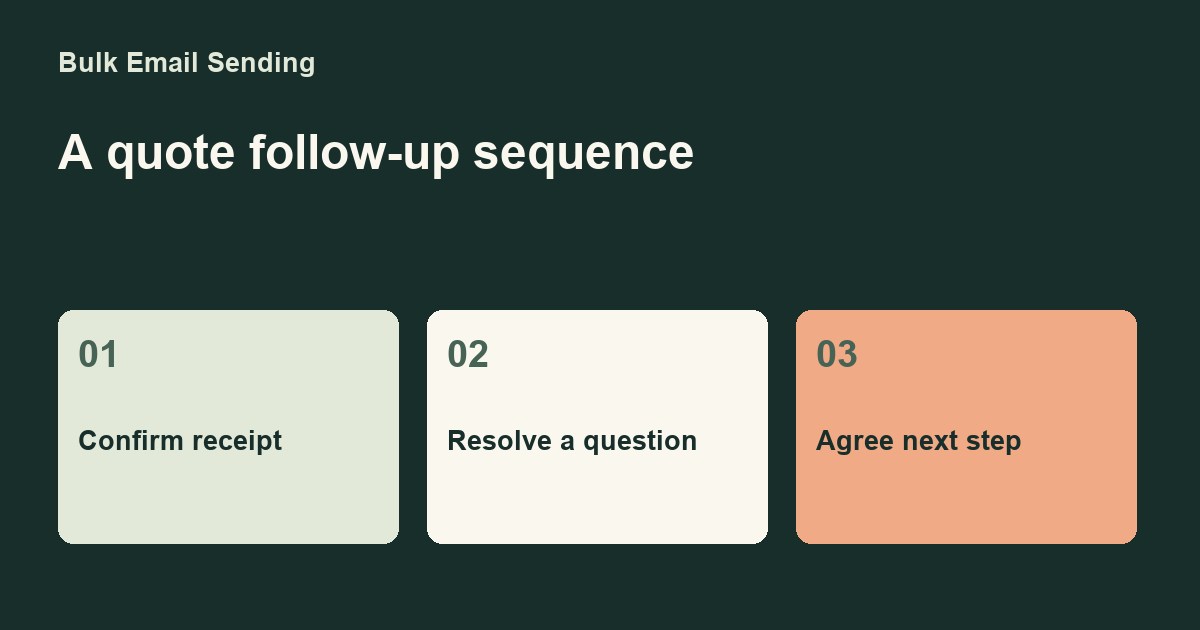
Give a buyer a reason to reply after a technical quote. This three-touch example keeps the quote owner visible and stops when the buyer responds.
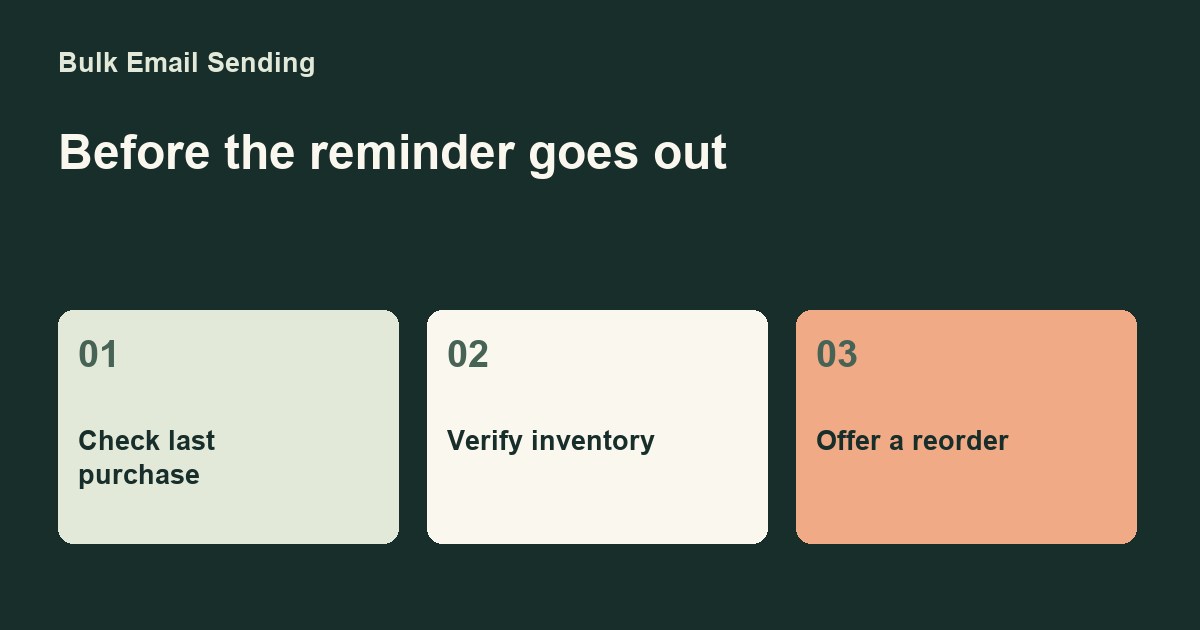
A reorder reminder earns its place when it saves the buyer a stock check. Use purchase history to decide who receives it and make the route back to the branch simple.
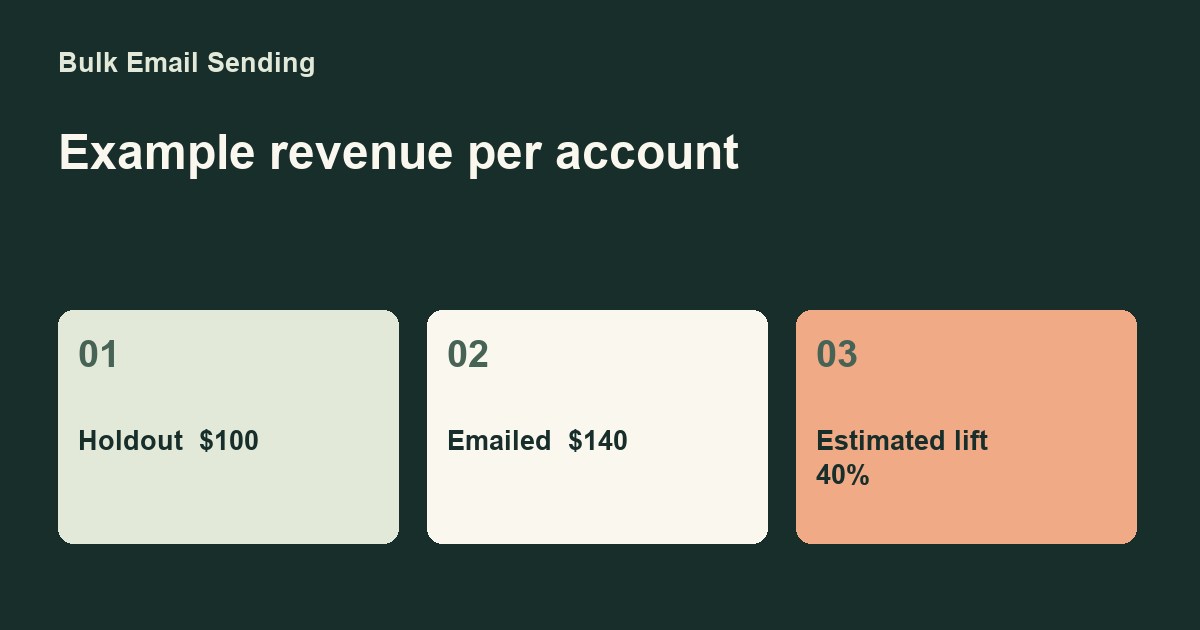
A campaign can receive credit for orders customers would have placed anyway. A holdout gives your team a way to estimate the additional revenue the emails produced.
The quote follow-up guide helps a rep move from confirming receipt to resolving a specific buying obstacle. The reorder guide uses order intervals and branch stock to estimate when a reminder will be useful. The holdout guide works through revenue per eligible account so the reader can decide whether a lift in repeat sales justifies another campaign. Read these alongside the sample report when deciding which fields your CRM should capture.