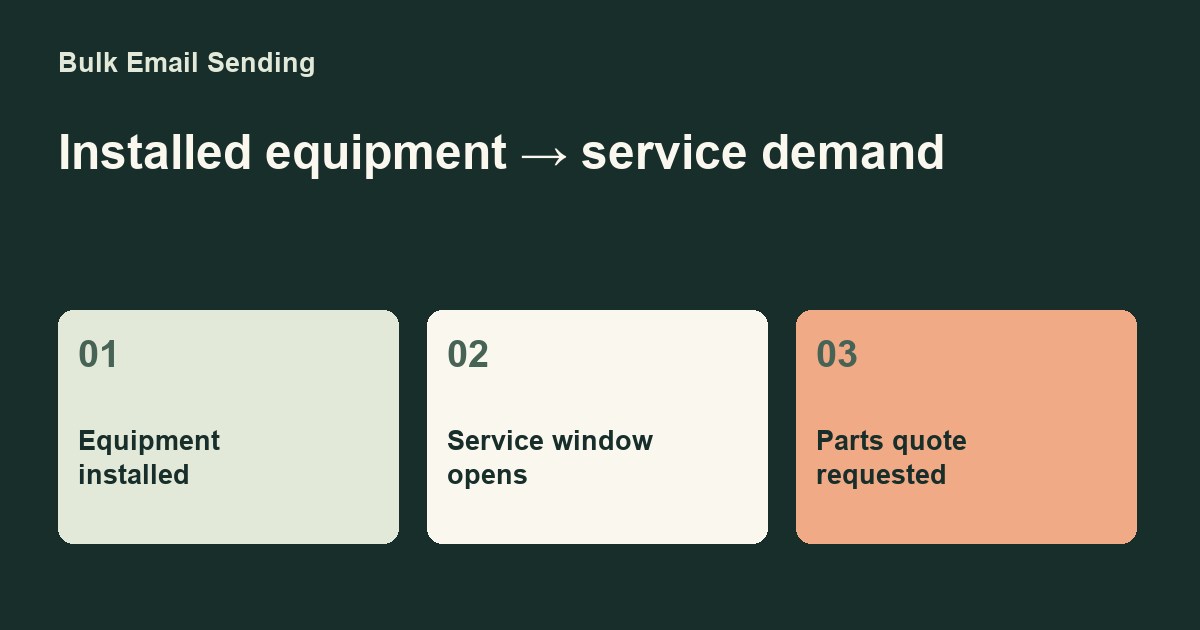
Start with one product line
Choose a family of machines whose replacement parts and service intervals your technical team can verify. Connect each installation to a customer account, site, model, and responsible rep. If installation dates are incomplete, start with a product education sequence and invite the customer to confirm the model.
Give each reader a useful next step
A maintenance supervisor needs a compatible parts list. A purchasing manager needs availability, a quote number and an ordering contact. We draft separate messages, route technical claims to your product specialist, and send the approved version to subscribed contacts in the relevant roles.
Let sales take over at the right moment
When a plant requests pricing, create a task for its account owner and pause the automated follow-up. Suppress accounts with an open service dispute or an order already booked. Review parts inquiries, accepted quotes and repeat-order revenue by site with your sales operations team.
Planning your program
Choose the trigger your systems can support
For a machine with a verified service interval, use commissioning date and model number. If the interval depends on operating hours, ask the maintenance lead for the current reading before suggesting a replacement. An engineer approves compatibility and the rep checks the opportunity record before the email goes out.
Protect the owner of the quote
For a multi-site customer, route an inquiry from the receiving plant to the rep who owns that installation. Pause the sequence when engineering revises the specification, procurement issues a purchase order, or the customer requests a call. Compare orders by product family and installation site to avoid counting one sale under multiple campaigns.
Start with the equipment record
The most useful field is often the one that lets the reader recognize their own installation. A machine family, rated capacity or commissioning reference may help maintenance identify the asset without identifying an individual worker. Ask engineering which fields are reliable and which are routinely carried over from an older system. If a retrofit has changed the compatible replacement part, the asset record must be reviewed before suggesting an item. Build that check into the approval process so marketing can use approved product language without making an engineering determination.
Plan around the plant’s decision cycle
A plant shutdown can involve an engineer reviewing a specification, a maintenance lead arranging labor and procurement requesting a formal quote. Map those steps to the messages. An early planning note might offer a service checklist; a later follow-up can ask whether procurement needs current availability. Verify lead times with the responsible team before scheduling. When the shutdown date moves, update the account record and pause time-sensitive reminders. A thoughtful pause can be more useful to the customer than another scheduled touch.
Example of a useful reply workflow
Suppose a buyer replies that the assembly is correct but the mounting plate has changed. The reply should reach the account owner with the asset reference and the current quote attached in the CRM. Put the sequence on hold while engineering checks the configuration. After the updated drawing has been approved for release, the rep can continue the discussion directly. In the report, distinguish technical questions resolved from purchase orders received. Both outcomes matter, but they tell different teams what to do next.
What to collect for a first pilot
Bring one approved product sheet, an example order or quote with sensitive details removed, the list of systems that hold installed-base records and the name of the person who controls technical revisions. We use these to scope the segment, proof and handoff before asking for production access.
 Bulk Email Sending